
Romanitaire
Solitaire with a Roman flavor.
Verify this APK
romanitaire_v1_1_0.apk · version 1.1.0 (build 13) · 67 MiB (70704907 bytes)
SHA-256 of the file
e9f68a71ddf41ab40fe74b9b15dd22f0ac7a322790ae487529aa7e540f1992e2Signing certificate SHA-256 (the key this build was signed with)
ac675f0de837f134fa686d0effb46b71966944d5ea5284ea89e42c9da30bea58Compare the hash of the file you actually downloaded with the value above.
- On a computer (or after copying the file to one):
sha256sum romanitaire_v1_1_0.apkon Linux/macOS,Get-FileHash romanitaire_v1_1_0.apkin Windows PowerShell. - On Android there is no built-in checksum tool. Install
Termux and run
sha256sum /sdcard/Download/romanitaire_v1_1_0.apk(in Termux,~/storage/downloadsaftertermux-setup-storage), or use a reputable checksum app from your app store.
The hash must match exactly; the full list is in
SHA256SUMS. The certificate fingerprint is
what apksigner verify --print-certs reports for the file (advanced
check on a computer) — it identifies the signing key, while the hash identifies
the exact file. A different hash or certificate means this is not the build
published here: do not install it, and report it to
support@gnitoapp.com.
Quick Info
| Publisher | Category | Version | License |
|---|---|---|---|
| GnitoApp.com | Games | 1.1.0 | Free |
| Languages | Platform Support | Offline Access | Privacy |
|---|---|---|---|
| English | Android & iOS | 100% Offline Functional | No Ads / No Trackers / No Login |
How to Install on Android (Sideloading Guide)
Because you are downloading Romanitaire for Android directly from our official website rather than an app store, Android requires manual installation (sideloading). Follow these simple steps to install:
- Download the APK: Tap the black "Download APK" button at the top of this page.
- Enable Install Permissions:
- Go to your device's Settings.
- Navigate to Apps > Special App Access (you might need to click the vertical three dots top right and select Special Access) > Install Unknown Apps (or search "Install unknown apps" in Settings).
- Select your File Manager or My Files, and toggle on "Allow from this source".
- Install the APK: Open your browser's downloads list or your device's File Manager app, select the downloaded
romanitaire_vx_x_x.apkfile, and tap Install. - Play Protect Verification: These builds are signed by our developers rather than distributed through an app store, so Google Play Protect may warn about an unrecognized signature. Before dismissing that warning, verify the file: compare the SHA-256 and signing certificate shown under "Verify this APK" above with the file you downloaded. If either value differs, do not install — delete the file and email support@gnitoapp.com. If they match, tap "More Details" and choose "Install Anyway".
Screenshots

Conquer the Cards in Imperial Style!
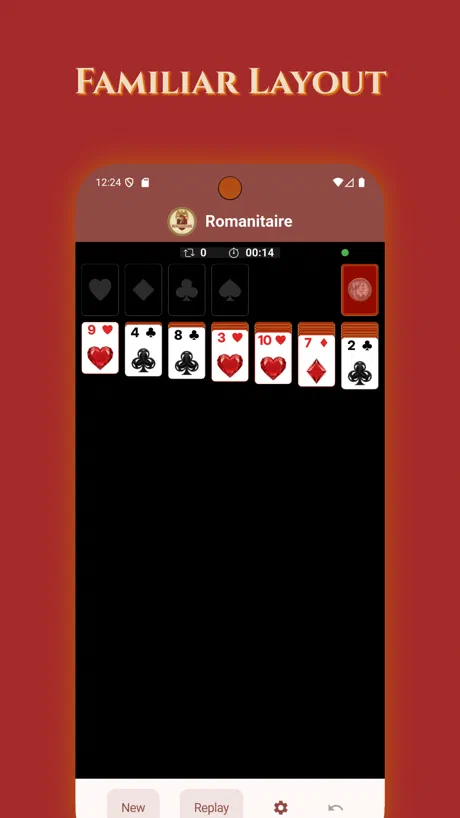
Step into the grandeur of ancient Rome with Romanitaire, the card game that blends classic Klondike Solitaire with an epic Roman twist! Whether you’re a seasoned strategist or a casual player, immerse yourself in a world of emperors and stack your way to victory.
Why Choose Roman Solitaire?
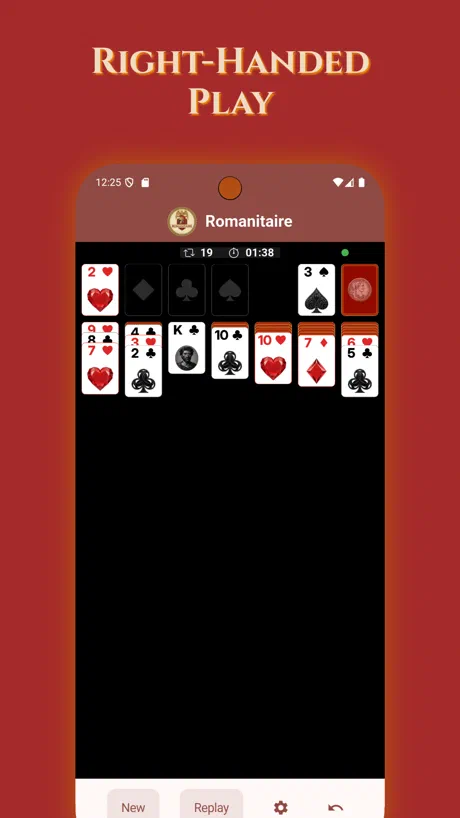
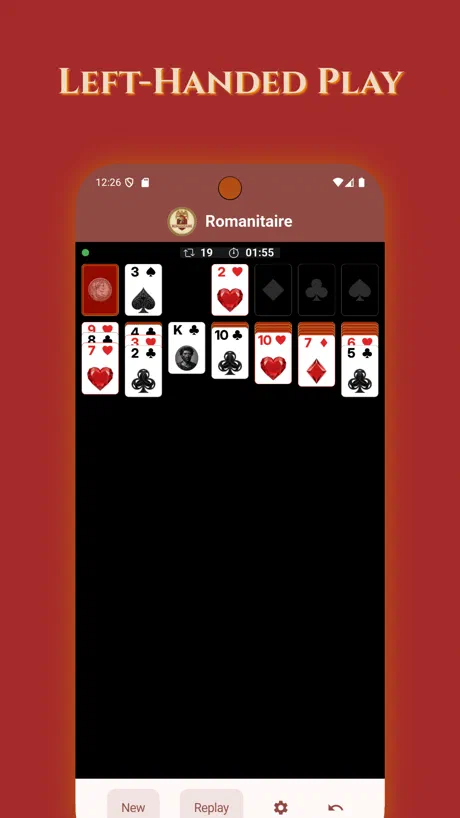
Handedness-Friendly Controls: Seamlessly switch between left-handed and right-handed modes, ensuring comfortable gameplay no matter your preference. Drag, tap, and flip cards with ease—designed for one-handed mastery!
Flexible Orientations: Play in portrait for on-the-go sessions or landscape.
Unlimited Undos!
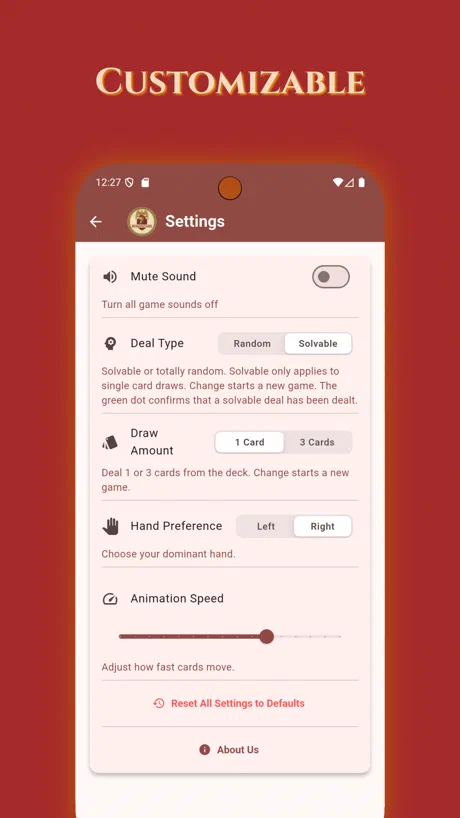
Customization Options: Tailor your game in the settings menu—adjust draw rules (1-card or 3-card).
No ads interrupt your conquests—just pure, addictive Solitaire fun.
Whether you’re unwinding after a long day or honing your skills for glory, Romanitaire delivers endless entertainment with a historical edge.